All help guidesYour workspace
Reuse a note structure with templates
Create repeatable project briefs, meeting outlines, and checklists.
Build a template
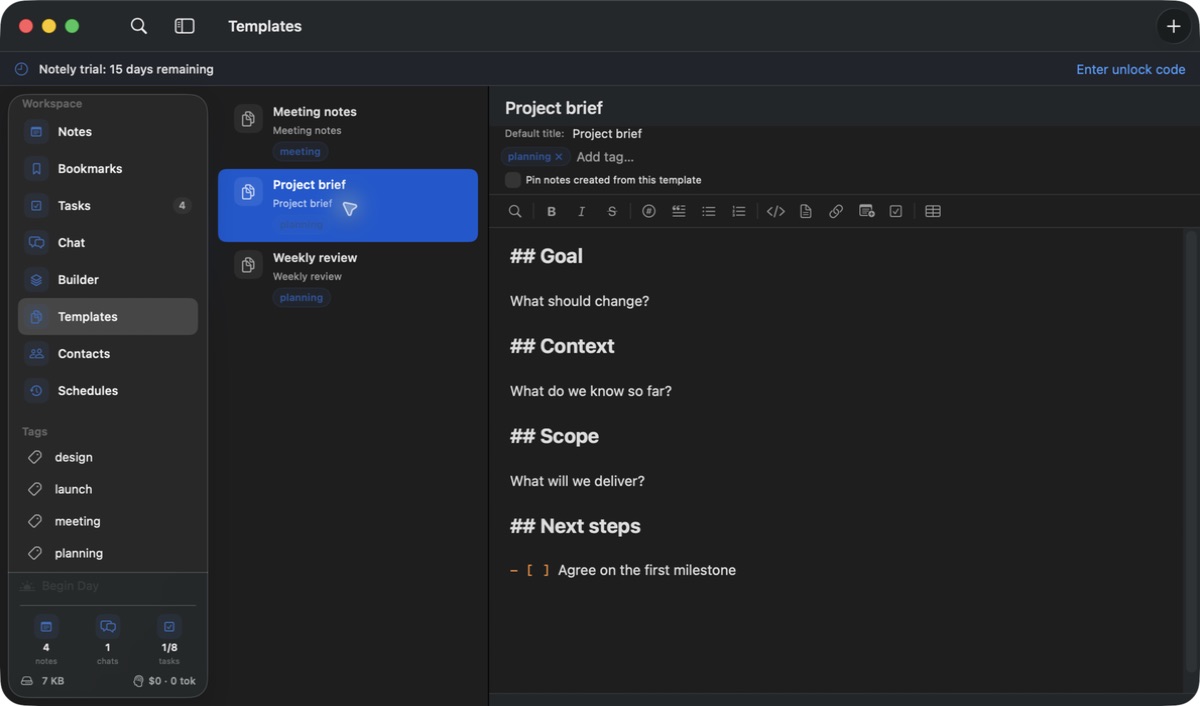
- Open Templates and add a template with a clear name.
- Write the title and Markdown body you want to reuse. Add default tags and optional pinning.
- Create a note from the template, or insert template content into an existing note.
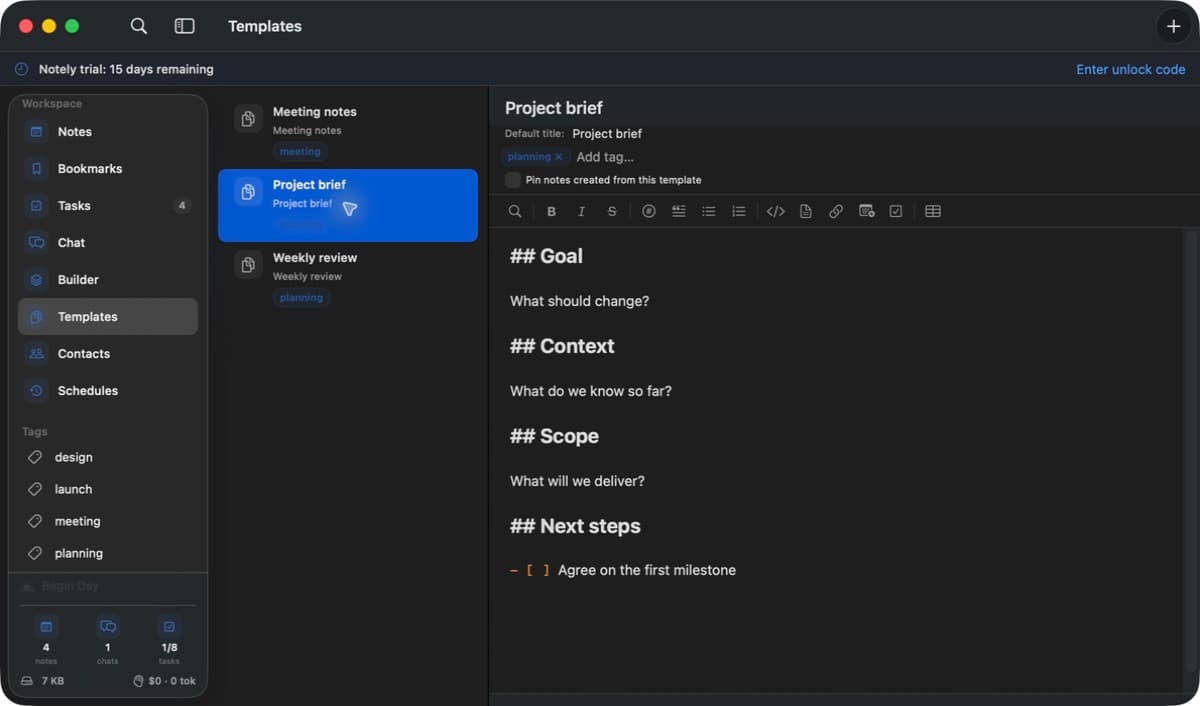 A template supplies the starting title, tags, pin setting, and structure for a note.Actual Notely app · Generic demo data Full size
Make templates useful
- Use generic prompts such as Goal, Decisions, Next steps, and Due date. Fill in each new note before sharing it.
- Edit the template when your process changes. Treat existing notes as independent documents; check them separately if you need to change past work.
If the result looks unexpected
- Confirm whether you created a new note or inserted content into an existing one.
- Check the template’s default tags and pin setting. A template shapes notes; a chat skill is a separate reusable AI prompt.